

This section collects the core reference tables needed for DOS programming — from the ASCII character set and line-drawing glyphs to color attributes and keyboard scan codes. Each table is presented in a compact, look-up format suitable for assembly-language and low-level development work.
ASCII Chart
The standard 7-bit ASCII character set (codes 0–127), including control characters, printable glyphs, and the DEL code. Essential for interpreting character I/O, string operations, and terminal output in DOS environments.
| Dec | Hex | Char | Description |
|---|---|---|---|
| 0 | 00 | NUL | Null character |
| 7 | 07 | BEL | Bell / alert |
| 8 | 08 | BS | Backspace |
| 9 | 09 | TAB | Horizontal tab |
| 10 | 0A | LF | Line feed |
| 13 | 0D | CR | Carriage return |
| 27 | 1B | ESC | Escape |
| 32 | 20 | SP | Space |
| 48 | 30 | 0 | Digit zero |
| 57 | 39 | 9 | Digit nine |
| 65 | 41 | A | Uppercase A |
| 90 | 5A | Z | Uppercase Z |
| 97 | 61 | a | Lowercase a |
| 122 | 7A | z | Lowercase z |
| 127 | 7F | DEL | Delete / rubout |
Line-Drawing Characters
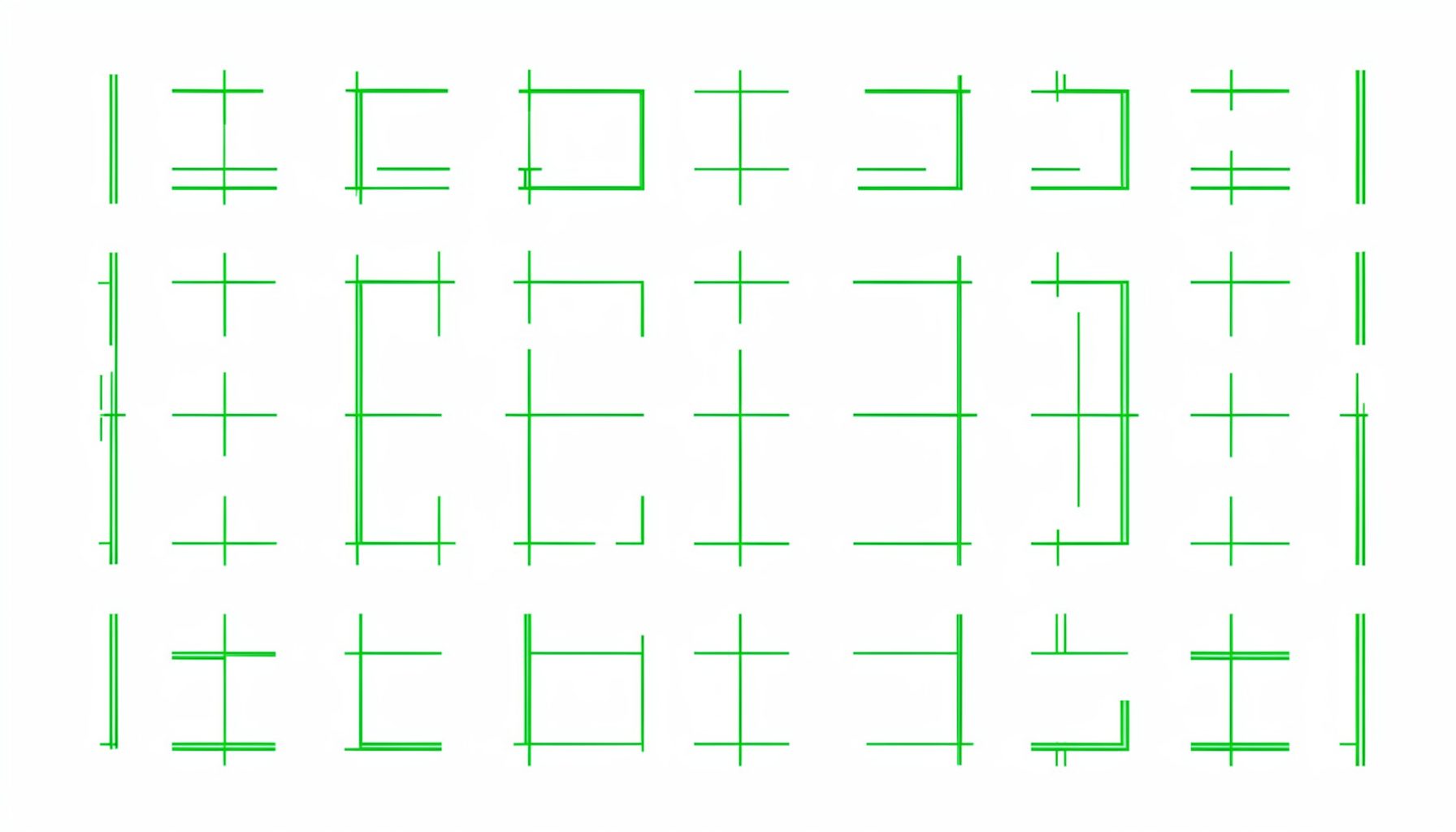
The IBM PC extended character set includes single- and double-line box-drawing glyphs used for text-mode user interfaces. These codes (128–255 range) let programs construct borders, frames, and simple UI elements in console applications.
Special Characters
Beyond the standard ASCII range, DOS text modes support a variety of special symbols — including mathematical signs, currency symbols, and block graphics — accessible via specific code-page mappings.
| Hex | Symbol | Name |
|---|---|---|
| 15 | § | Section sign |
| F8 | ° | Degree symbol |
| F9 | · | Middle dot |
| FA | · | Interpunct |
| FB | √ | Square root |
| FC | ⁿ | Superscript n |
| FD | ² | Superscript 2 |
| FE | ■ | Solid block |
Color Chart
Text-mode color attributes combine a foreground color (low nibble) and a background color (high nibble), with bit 7 controlling blink. The standard 16-color palette is used by DOS video services and direct VRAM writes.
| Value | Color | Name |
|---|---|---|
| 0 | Black | |
| 1 | Blue | |
| 2 | Green | |
| 3 | Cyan | |
| 4 | Red | |
| 5 | Magenta | |
| 6 | Brown | |
| 7 | Light Gray | |
| 8 | Dark Gray | |
| 9 | Light Blue | |
| 10 | Light Green | |
| 11 | Light Cyan | |
| 12 | Light Red | |
| 13 | Light Magenta | |
| 14 | Yellow | |
| 15 | White |
Keyboard Codes
BIOS keyboard services return scan codes that identify physical key presses. The table below lists common scan codes and their corresponding keys, useful when handling INT 16H keyboard input or writing custom keyboard handlers.
| Scan Code | Key | Notes |
|---|---|---|
| 01h | Esc | Escape key |
| 0Eh | Backspace | Destructive backspace |
| 1Ch | Enter | Return / Enter |
| 1Dh | Ctrl | Left Control |
| 2Ah | Shift (L) | Left Shift |
| 36h | Shift (R) | Right Shift |
| 38h | Alt | Left Alt |
| 3Bh–44h | F1–F10 | Function keys |
| 47h | Home | Numeric keypad 7 |
| 4Fh | End | Numeric keypad 1 |
| 53h | Del | Delete key |
Credits
The reference data in these tables draws from widely published IBM PC, DOS, and BIOS technical documentation. The Tech Help! electronic reference book compiles and organizes this information for quick access during assembly-language development sessions.
The reference tables found within a comprehensive DOS programming guide serve as an indispensable quick-lookup resource for anyone working close to the metal. When writing assembly language routines or interfacing directly with system hardware, having immediate access to ASCII charts, color attribute mappings, and keyboard scan codes can save hours of tedious manual searching. These tables compile the raw numeric data that underpins every character displayed on screen, every key pressed by the user, and every color combination rendered in text mode. For the assembly programmer, memorizing every code is impractical, but knowing exactly where to find the right table during development is a skill that separates efficient coders from those who constantly stumble.
Interrupt handling forms the backbone of DOS programming, and a well-organized reference makes mastering these service calls far more approachable. Each interrupt, from the ubiquitous INT 21h for DOS services to the lower-level BIOS interrupts like INT 10h for video operations, has its own set of input and output register requirements. A good reference table breaks down exactly which registers need to be set before making a call and what values will be returned afterward. This structured approach to interrupt documentation allows programmers to chain services together effectively, building complex functionality from simple, well-documented building blocks without needing to memorize every possible subfunction code.
Memory organization in the DOS environment follows a segmented architecture that can be confusing for newcomers but becomes intuitive with the right reference materials. The real-mode memory map, from the interrupt vector table at the very bottom of memory through to the BIOS data area and the upper memory blocks, is territory that every assembly programmer must navigate. Reference tables that detail the Program Segment Prefix structure, the format of the Disk Transfer Area, and the layout of the BIOS data area give the developer a mental map of where critical system information lives. Understanding these memory regions is essential for writing reliable programs that interact correctly with DOS and the underlying hardware.
Color attributes in DOS text mode follow a straightforward bit-mapped scheme that, once decoded, gives the programmer precise control over the appearance of every character on screen. The attribute byte uses four bits for the background color and four bits for the foreground, with an additional blink or intensity bit available on many display adapters. Reference tables that list the standard color values, from black through white and including the eight default hues, enable rapid prototyping of user interfaces and menu systems. By consulting these tables during development, a programmer can quickly determine the exact byte value needed to produce, for example, bright yellow text on a blue background.
The line-drawing and special character set available in the DOS environment provides a complete toolkit for building text-mode user interfaces that rival graphical applications in clarity and structure. These extended ASCII characters, occupying codes beyond the standard 127, include horizontal and vertical lines, corners, crossing junctions, and various shading blocks. A well-maintained reference table showing each glyph alongside its corresponding numeric code allows the assembly programmer to construct borders, menus, progress bars, and data-entry forms entirely within the constraints of character-mode display. Mastering these drawing characters was a rite of passage for DOS developers and remains a fascinating piece of computing history.